Tag: home networking

  • Smart Home Guide 2021: Malaysian Edition

    Smart Home Guide 2021: Malaysian Edition

    We are compiling information on smart home system. As such, we would like to share information about smart home implementation in Malaysia with Smart Home Guide 2021: Malaysian Edition.

    Setting up a smart home can be tedious. However, the good news is you can always start small. Most people would start with vendor-specific smart app then integrate it together via Apple HomeKit or Google Home. You can even start with as small as one smart device and expand it later.

    Smart Home Guide 2021: Malaysian Edition – Apple HomeKit vs Google Home

    It depends on your choice of devices. If you already have a lot of Apple Devices at Home, then it is recommended to utilise Apple HomeKit compatible devices.

    If you don’t mind, then it is best to stick with Google Home-compatible devices. This is because a lot of devices sold in the market

    Smart Home App System

    Most of the time, vendors will provide a compatible app for you to use. Details are as follows:

    Smart Life / Tuya: Smart Life and Tuya are compatible with each other. However, our recommendation would be to use Smart Life.

    Samsung SmartThings: SmartThings is a smart home app offered by Samsung. It allows you to operate supported Samsung smart devices at home such as TV and air conditioner.

    LG ThinQ: ThinQ is a smart home ecosystem powered by LG. Similar like SmartThings, you can control a number of supported smart devices using the app.

    Communication Protocol

    WiFi: Needless to say, WiFi is a must for you to run smart home.

    Zigbee: Zigbee is a low-cost, low-power, wireless mesh network standard. If you intend to use Zigbee smart devices, then you will need to have a Zigbee hub.

    Smart Switches

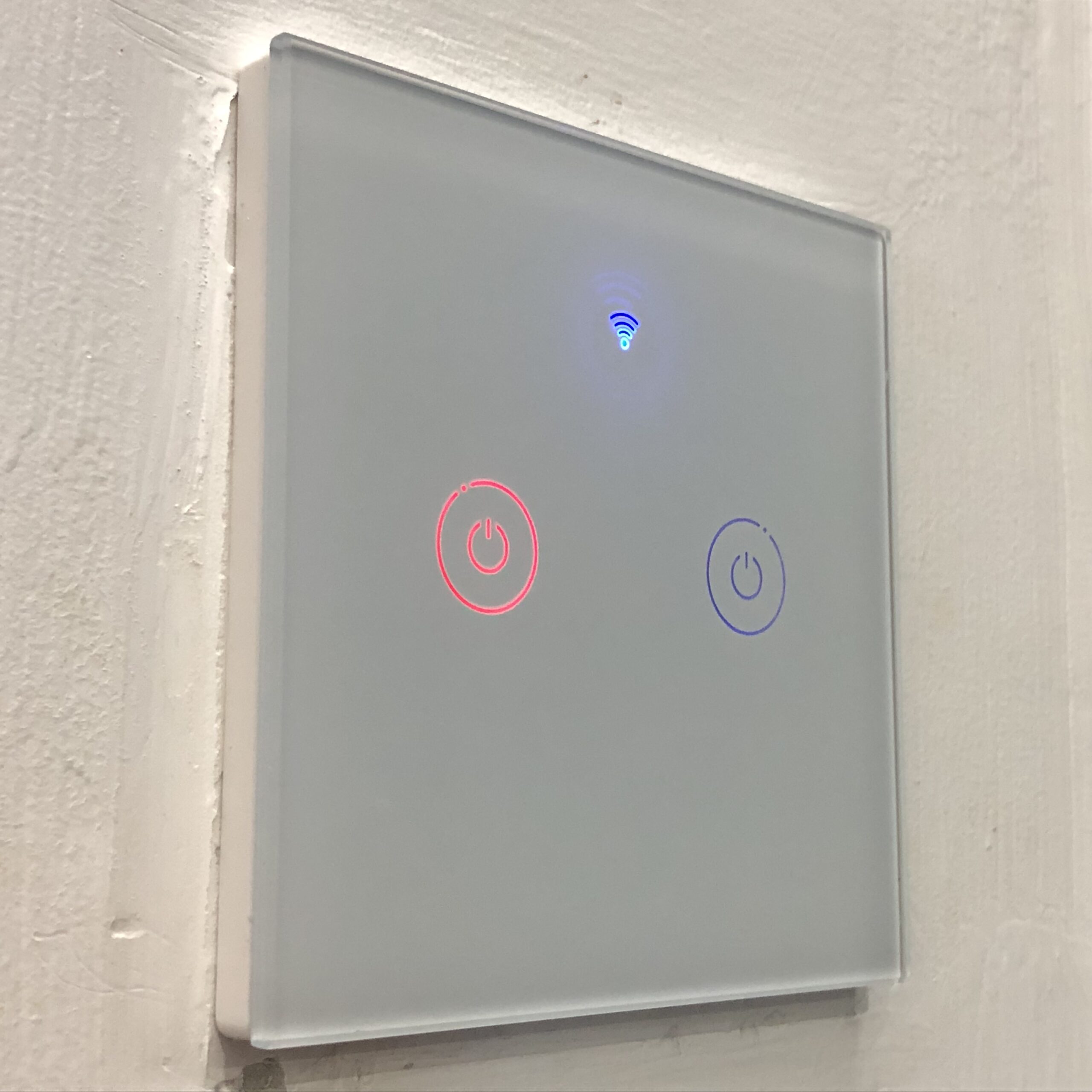
    Smart switch functions much like your regular rocker switch. However, they are equipped with smart features such as remote power on / power off and timer.

    If your home wiring does not have neutral wire at the switches, then you will need to use capacitor at the electrical connection.

    Smart Power Outlets

    Smart Power Outlets can give you more control on any electrical device that you connect to the smart outlet. Features include on/off scheduling, countdown timer, and power usage information.

    Preparing Network

    Internet connection: Fibre is recommended. However, if fibre connection is not available, any internet connection such as copper wire (DSL) or cellular is fine.

    Network connection: Having a robust home network is recommended. Invest in a good router.

    Care to read more? Take your time to learn more about preparing home network with our own Home Networking setup guide.

    Sources

    1. Zigbee – Wikipedia
  • Home Networking Guide 2021: Malaysian Edition

    Home Networking Guide 2021: Malaysian Edition

    If you are looking for information on setting up and optimise your home network, then you are in the right location. Read on to discover more about our Home Networking Guide: 2021 Edition.

    As more people are working from home, a properly set up home networking is a must, especially when we have important online meetings to attend or need to give presentations. Home networking equipments need to be reliable and on par with their office counterparts. While the price does not have to be expensive, the equipment should accommodate the number of devices connected at home.

    Other than performance, people should also be concerned about security and reliability. In this guide, we will share more on optimising your home networking to ensure that you get the best in value.

    Home Networking Guide: 2021 Edition – The Setup

    Setting up a good network at home depends on the two parameters below:

    Number of devices: You need to get a good router if you are having connection for more than 10 devices.

    Internet connection speed: You need to get a good router if your internet connection is 100Mbps or more. For speeds of 30 Mbps and below, the regular router given by your ISP is sufficient already for most tasks.

    Specific network requirements: If you run local file streaming or transfer a lot, then you probably need to invest in having a Gigabit connection.

    Internet Service Provider (ISPs)

    TM and TIME are the popular service provider.

    TM provides fibre internet service under the name unifi. Contact TM Customer Service for more information.

    Home Networking Guide: 2021 Edition – The Optimisation

    WiFi 6: Do I Need It?

    If you have a lot of old devices (aged 3 years and more), then WiFi 6 is not a compulsory feature. Some of the settings don’t work well with older devices.

    Nevertheless, if you are looking forward to future-proof your network, WiFi 6 is the way to go.

    WPA3 Encryption

    WPA3 is the latest encryption standard available on the most recent WiFi 6 routers. To ensure compatibility with older devices, we recommend you to enable WPA2 encryption as well. On modern routers, it will be shown as WPA3/WPA2 encryption.

    Channel Allocation

    WiFi devices communicate with each other on a specific set of frequency. To ensure minimal interruption with many WiFi networks at the same location, they will choose a frequency from a set of frequencies available for WiFi use (example, bands in 2.4 GHz and 5 GHz frequency. Each of the pre-set frequency is called the “WiFi channel”.

    More information available here:

    Datto Networking: Which WiFi channels should I use?

    Sources

    1. Kerja Dari Rumah: Adaptasi baru untuk majikan dan pekerja – Cybertukang
    2. How to Set Up a Home Network- Beginners Guide (stevessmarthomeguide.com)