Category: Technology

  • Home Networking Guide 2021: Malaysian Edition

    Home Networking Guide 2021: Malaysian Edition

    If you are looking for information on setting up and optimise your home network, then you are in the right location. Read on to discover more about our Home Networking Guide: 2021 Edition.

    As more people are working from home, a properly set up home networking is a must, especially when we have important online meetings to attend or need to give presentations. Home networking equipments need to be reliable and on par with their office counterparts. While the price does not have to be expensive, the equipment should accommodate the number of devices connected at home.

    Other than performance, people should also be concerned about security and reliability. In this guide, we will share more on optimising your home networking to ensure that you get the best in value.

    Home Networking Guide: 2021 Edition – The Setup

    Setting up a good network at home depends on the two parameters below:

    Number of devices: You need to get a good router if you are having connection for more than 10 devices.

    Internet connection speed: You need to get a good router if your internet connection is 100Mbps or more. For speeds of 30 Mbps and below, the regular router given by your ISP is sufficient already for most tasks.

    Specific network requirements: If you run local file streaming or transfer a lot, then you probably need to invest in having a Gigabit connection.

    Internet Service Provider (ISPs)

    TM and TIME are the popular service provider.

    TM provides fibre internet service under the name unifi. Contact TM Customer Service for more information.

    Home Networking Guide: 2021 Edition – The Optimisation

    WiFi 6: Do I Need It?

    If you have a lot of old devices (aged 3 years and more), then WiFi 6 is not a compulsory feature. Some of the settings don’t work well with older devices.

    Nevertheless, if you are looking forward to future-proof your network, WiFi 6 is the way to go.

    WPA3 Encryption

    WPA3 is the latest encryption standard available on the most recent WiFi 6 routers. To ensure compatibility with older devices, we recommend you to enable WPA2 encryption as well. On modern routers, it will be shown as WPA3/WPA2 encryption.

    Channel Allocation

    WiFi devices communicate with each other on a specific set of frequency. To ensure minimal interruption with many WiFi networks at the same location, they will choose a frequency from a set of frequencies available for WiFi use (example, bands in 2.4 GHz and 5 GHz frequency. Each of the pre-set frequency is called the “WiFi channel”.

    More information available here:

    Datto Networking: Which WiFi channels should I use?
    Sources

    1. Kerja Dari Rumah: Adaptasi baru untuk majikan dan pekerja – Cybertukang
    2. How to Set Up a Home Network- Beginners Guide (stevessmarthomeguide.com)
  • TM Customer Service – How to Reach Them

    TM Customer Service – How to Reach Them

    TM is a major telecommunications company in Malaysia. They provide various telecommunication services such as fibre broadband, cellular service and other related services. Reaching out to TM customer service team may not be a pleasant experience for some. However, in recent years the company has shown tremendous improvement in offering various support options to their customers.

    On their social media channels, they are quite helpful and attentive when it comes to serving the needs of their customers.

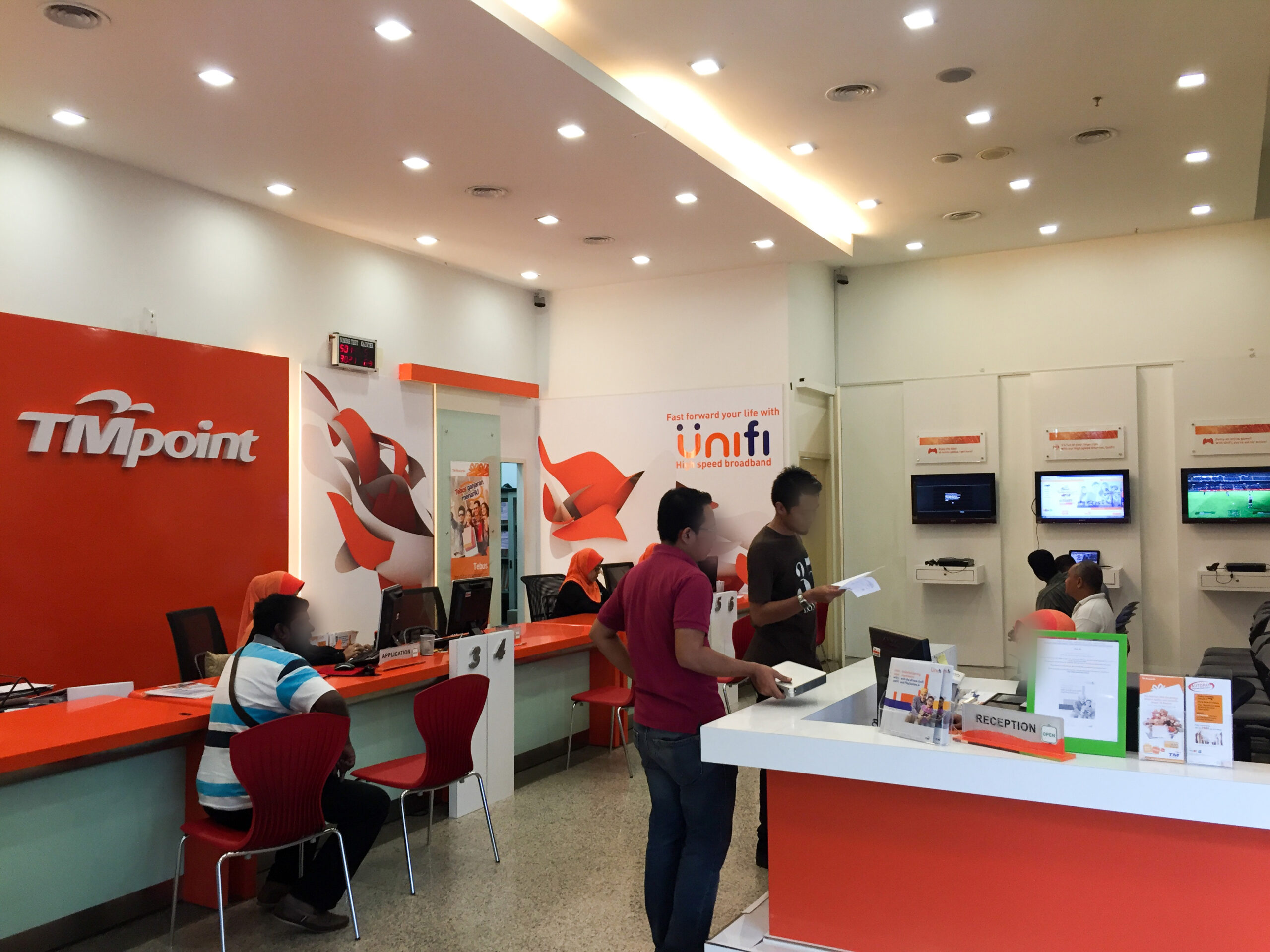
    If you are located at Cyberjaya or a nearby area, you can visit TMpoint Cyberjaya for your support needs.

    TM Customer Service Channels

    Live Chat: The live chat is available on their website.

    Myunifi App: Users can download and use the app, which is available on iOS and Android mobile platforms.

    unifi Community: TM has set up a platform for users to exchange opinions as well as tips and tricks on dealing with the service.

    Contact Form: If you would like to describe the problem in detail and wish to put it in writing, you can make use of this form.

    Twitter: Send tweets or DMs to them via this profile, https://twitter.com/helpmeunifi

    Facebook: Facebook users can submit their feedback via this platform.

    For more information, check out their Customer Support page.

  • 5G in Cyberjaya: What You Need to Know

    5G in Cyberjaya: What You Need to Know

    5G is a new communication protocol targeted towards mobile device usage. The new and speedy communication will enable devices to communicate between each other in a faster way with speeds much higher compared to 4G LTE.

    5G History in Cyberjaya

    A 2019 news article by The Sun reported that MDEC COO Datuk Ng Wan Peng said the 5G technology test has started since April 2019.

    September 2019: Digi has announced on Telenor’s website that the company is working together with Cyberview Sdn Bhd to introduce 5G OpenLab. The lab enables businesses, academics and developers to test the new 5G technology in a controlled environment.

    On 8 July 2021, Digital Nasional Berhad (DNB) said considerable progress was done in the rollout plan of 5G in Malaysia. The first cities to enjoy the new 5G service includes Kuala Lumpur, Putrajaya as well as Cyberjaya. DNB targets the launching of the 5G service in respective cities in December 2021. The overall objective is to achieve 80% nationwide population coverage by 2024.

    Sources

    1. Launch of 5G network in Kuala Lumpur, Putrajaya, Cyberjaya by December on track | The Malaysian Insight
    2. MDEC: Cyberjaya to attract more 5G investments (thesundaily.my)
    3. Cyberview and Digi open 5G OpenLab in Cyberjaya to spur 5G innovation – Telenor Group
  • Adobe Acrobat X Pro Support Guide

    Adobe Acrobat X Pro Support Guide

    Adobe Acrobat X Pro is a PDF editor software developed by Adobe. The latest version of the PDF editor software is Adobe Acrobat DC, available in subscription model. The software is also part of Adobe Creative Suite collection of software. Some of us may still be using Adobe Acrobat X Pro these days. Therefore, finding Adobe Acrobat X Pro support information and official download link can be troublesome.

    Adobe Acrobat X Pro Support Download page

    Fortunately, while the official support has been dropped by Adobe, we are still able to download the latest software updates directly from Adobe’s site.

    Click here to visit Adobe Acrobat support page.

    The page lists all Adobe Acrobat updates from version 10 all the way until DC.

  • History of GPS

    GPS system has been around for decades. We use it on daily basis. With the advent of smartphones, more and more people become reliant on GPS. Everyone knows how GPS can help them, but only a small number would know what actually is meant by GPS. In this article, we are going to share a bit about the history of GPS.

    History of Global Positioning System (GPS)

    Global Positioning System (GPS) is a system to determine your current location with high level of precision. This is possible via a number of satellites working together to determine a client’s location.

    The history starts in mid-1960s when United States military experimented with their own network of satellites and submarines. It took few minutes for the setup to determine the exact location of a particular submarine on the earth surace.

    The first satellite for GPS is launched in 1978 and the overall system with a strength of 24 satellites became fully operatonal in 1993.

    In its early days, the US military made GPS exclusive for their use only. These days, a good smartphone can use GPS up to about 4.9m accuracy.

    Watch a short video from Real Engineering channel on Youtube about GPS system.

    Sources

    1. Global Positioning System History | NASA
  • U Mobile Customer Support Channels

    U Mobile Customer Support Channels

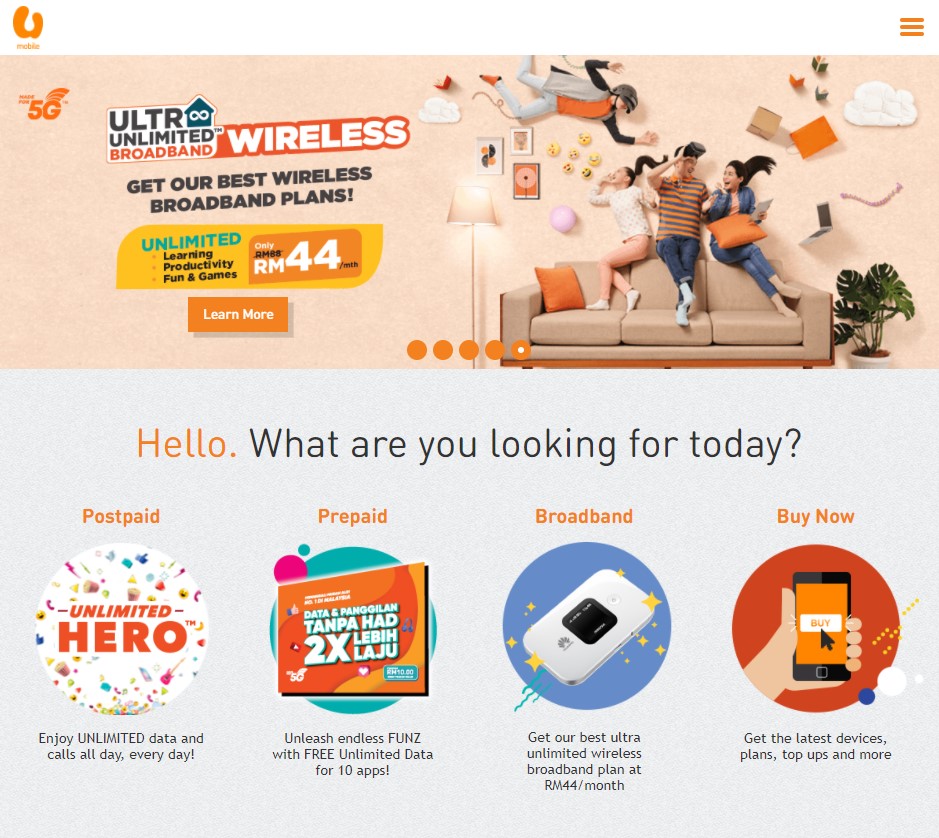
    U Mobile is a telecommunication service provider in Malaysia. If you are already a U Mobile user, you may need to reach out to their customer support. Finding the right channel can be tedious for some users and we think we can be a good help in terms for that.

    U Mobile Customer Support Channels

    Website: U Mobile – Unlimited Data & Calls

    If you would like to contact U Mobile customer service but you are not on U Mobile, please call this number: +60 18 388 1318

    This can be useful especially when you have problems porting your number (via Mobile Number Portability – MNP) to U Mobile.

  • Is It Cheaper to Own A Mac?

    Is It Cheaper to Own A Mac?

    Is it cheaper to own a Mac? If you think long-term, yes it is. Firstly, we need to address the classic Mac-vs-PC question. If you can answer this question confidently that you would like to have a Mac as your preferred machine choice, then you can proceed to read this article.

    We wish we want to cover the classic argument of Microsoft vs Apple ecosystem but we think it is better for us to deal with it in another article.

    Outright Cost: Most PCs are Cheaper

    Macs have a tightly-integrated ecosystem. If you purchase a Mac, chances are your will need a handful kind of adaptors to suit your needs.

    Durability: Macs are More Durable than Most PCs

    With exception of the old Macbook, these days Mac models are constructed with aluminium. In contrast, consumer-grade Windows notebooks are mostly constructed from plastic, which makes them more vulnerable to accidental physical damage.

    Parts Availability: Easier to Find Mac Parts

    Due to fewer models on the market, it is much easier to find a spare part for Mac. Compare this to a Windows notebook from a lesser-known brand.

    Long Release Interval: Carefully-designed Macs

    New models of Mac do not get released as often as their Windows counterpart. As such, whenever Apple releases new Mac model, the improvement can be substantial. The huge gaps between generation enables the R&D team to focus more on a particular product development and fine-tune it to maximise customer satisfaction. It is not about fufilling the desires of the customers. Instead, product development is about understanding what the customers want even before they say they want it.

    Conclusion

    The build quality of a Mac rivals pro-grade Windows notebooks. Therefore Macs are more likely to survive accidental drops and damages. Besides, due to fewer models being released, it is also easier for customers to find spare parts for their Mac. Is it cheaper to own a Mac? If you are looking for a computer that you can use long-term, Mac is a way to go.

    Based on our opinion, Lenovo’s Thinkpad product line can be a worthy rival to Macs. Besides, for consumer-grade notebooks, Huawei is clearly catching up with their clean design and aluminium build material. As more and more Windows notebook manufacturers get the idea of customer satisfaction, we can expect a healthy competition between the two worlds of OS.

    Sources

    1. http://www.businessinsider.com/an-ibm-it-guy-macs-are-300-cheaper-to-own-than-windows-2016-10

  • New Facebook Data Centre in Sweden

    New Facebook Data Centre in Sweden

    Mark Zuckerberg, founder and owner of Facebook has posted some new photos about the first Facebook data centre built outside of the origin country (USA). The new Facebook Data Centre is built in Sweden and utilises state-of-the-art technology to be sustainable and more environment friendly.

    The new data center, located at northern part of Sweden, takes advantage of its cold climate. The new data center is 10% more efficient and uses 40% less power compared to its traditional counterparts, according to Mark.

    Facts About Facebook’s Luleå Data Centre in Sweden

    1. Facebook’s first data centre outside of the United States
    2. Given the cold climate, Facebook considered to use the heat generated to heat up water in swimming pool but cancelled the idea as it is deemed as uneconomic.
    3. The area of the data centre is 300 meters wide and 100 meters long.
    4. 3 diesel generators are on standby in case if power fails.
    5. The servers are built using Open Compute Project.

    Cyberjaya is also known as a host to many data centres.

    Sources

    1. The node pole: inside Facebook’s Swedish hub near the Arctic Circle | Facebook | The Guardian
  • Snapchat Blamed for 107mph Crash

    Snapchat Blamed for 107mph Crash

    April 26 2016, USA: Wentworth Maynard has filed a lawsuit against Christal McGee and Snapchat for being responsible in an accident. The accident has caused Maynard to suffer from traumatic brain injury, the lawsuit said.

    Snapchat, along with McGee was blamed for causing the accident. McGee was capturing herself in a selfie with “speed filter”, a feature in Snapchat that allows picture taken with speed of the device (which also means the speed of car).

    What’s even worse is a passenger in McGee’s car claimed she had hit 113 mph, faster than originally claimed in the compliant.

    Snapchat has declined to comment on the lawsuit but added that “the app has always included a warning not to use it while driving”.


    While driving itself can be a fun and enjoyable, drivers are getting more distracted than ever, especially with the advent of smartphones and social media platforms.

    Source: CNN Money report